







Product Details
- Model number: GLX-CELL-5
- Product type: Replacement salt chlorine generator cell
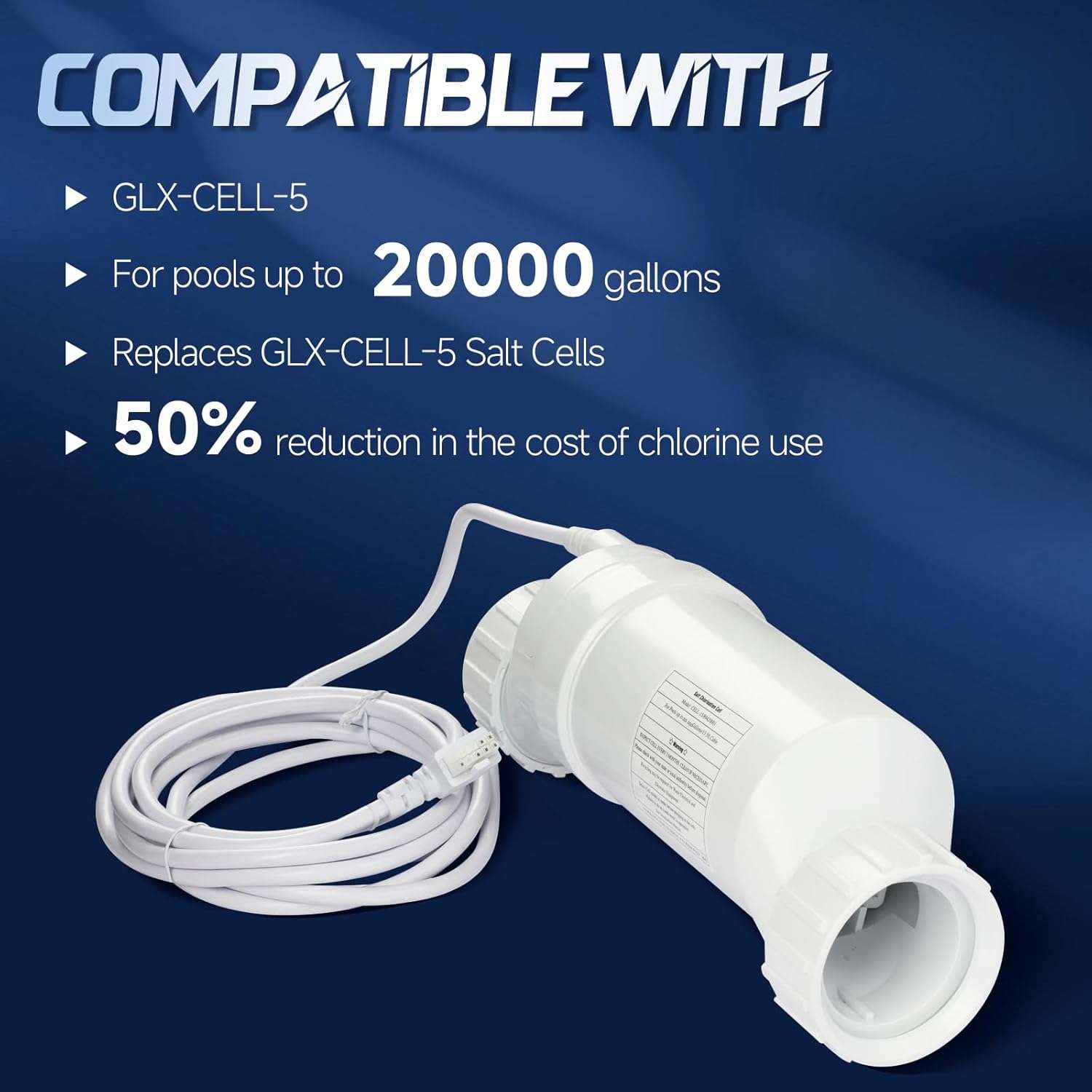
- Pool capacity: Up to 20,000 gallons
- Compatible style: Hayward GLX-CELL-5 / T-CELL-5 style replacement
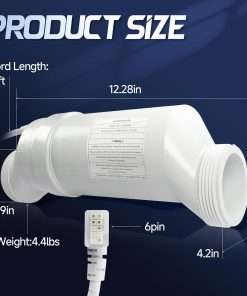
- Product dimensions: Listed as 5 x 11 x 3 inches
- Item weight: Listed as 4.68 pounds
- Intended use: Replacement cell for compatible Hayward salt chlorine generator systems
- Replacement part only: Not a complete salt chlorine generator system, control box, flow switch, plumbing kit, or full pool equipment package
- Package contents: Confirm exact included parts before publishing
Compatibility Notes
Use this replacement only if your salt system supports the GLX-CELL-5 or T-CELL-5 cell type. If you want to compare the branded cell option, review the Hayward GLX-CELL-5 TurboCell before ordering.
For full system matching, compare your setup with the Hayward AquaTrol salt chlorination system and confirm the correct cell type, controller model, and pool size before purchase.
This product should not be confused with larger T-9 or T-15 style cells. Using the wrong cell size or controller setting may cause incorrect readings, poor chlorine output, or system warnings.
What This Replacement Cell Does
The salt cell helps convert dissolved pool salt into chlorine when installed with a compatible salt chlorine generator control system. This can help maintain sanitizer levels, but the pool still needs regular water testing, correct salt levels, proper water balance, and routine maintenance.
A worn, scaled, or failing cell can cause low chlorine production, salt reading issues, service lights, or reduced system performance. Before replacing the cell, check salt level, flow, water balance, cell cleanliness, cable condition, controller settings, and the controller cell type setting.
Installation Notes
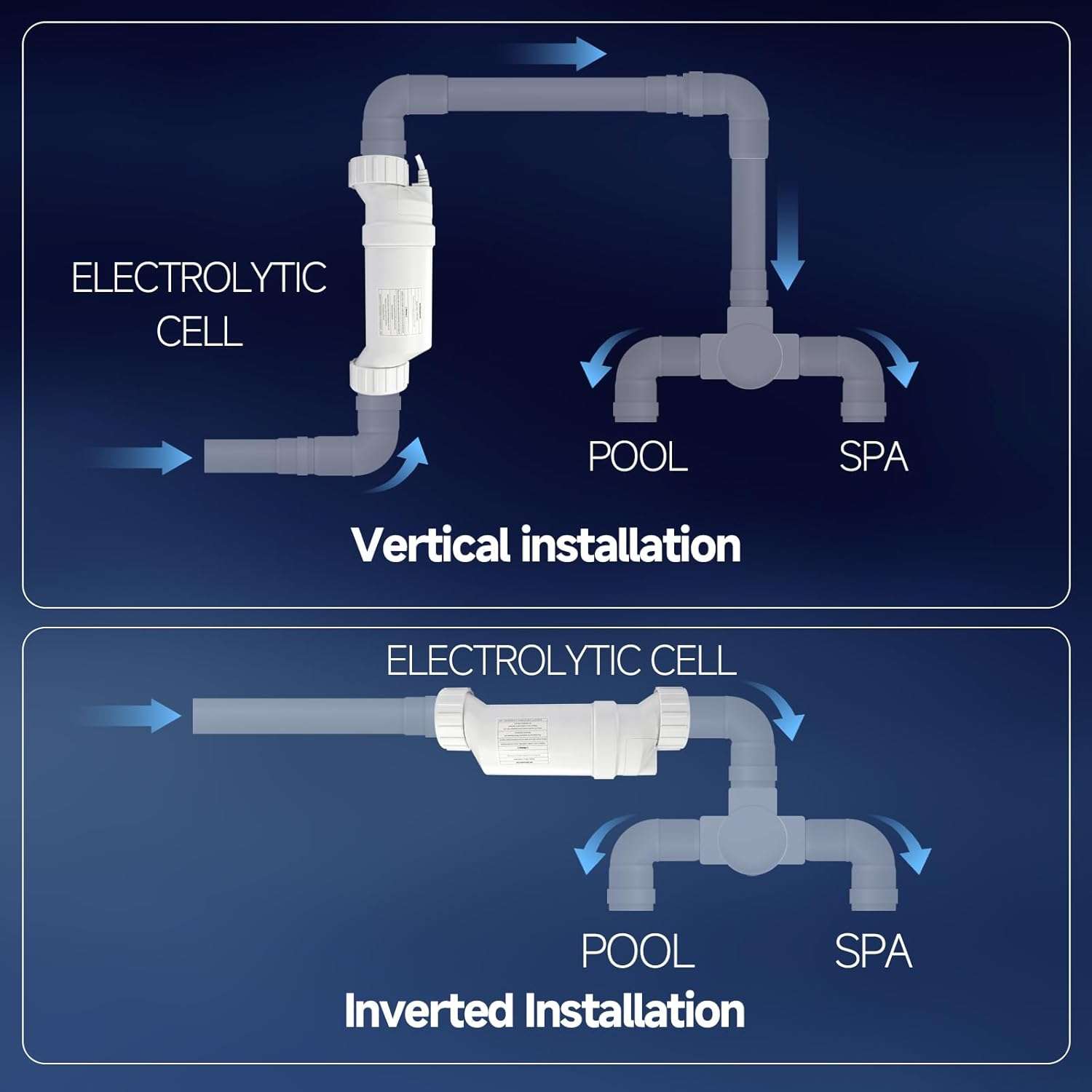
Turn off power to the pool equipment before removing or installing the replacement cell. Follow the manufacturer’s instructions for flow direction, union connection, O-ring placement, and cable connection.
Do not force the cell into the plumbing line. If you need a temporary bypass while servicing the system, check the GLX-CELL pipe replacement before leaving the plumbing open.
After installation, inspect for leaks, confirm the controller recognizes the cell, and allow the system time to begin producing chlorine under normal operating conditions.
Troubleshooting Before Replacement
If the system shows a no-flow or low-flow message, inspect the Hayward GLX-FLO flow switch before assuming the salt cell is the only failed part.
If the controller shows incorrect salt readings, confirm the salt level with an independent salt test. Also check water temperature, cell age, cell cleanliness, cable connection, and the controller cell type setting.
Cleaning and Maintenance Tips
Inspect the cell regularly for scale buildup, debris, or visible wear. If cleaning is needed, follow the manufacturer’s cleaning instructions and avoid scraping the cell plates with sharp tools.
For safer handling during cleaning, use a Hayward TurboCell cleaning stand to help support compatible Hayward-style TurboCells.
Keep the pool water balanced and maintain the salt level within the controller’s recommended range. Poor water chemistry or heavy scale buildup can reduce cell performance and shorten service life.
Before You Order
Confirm that your existing cell is GLX-CELL-5 or T-CELL-5 compatible and that your pool size is within the listed 20,000 gallon capacity. Also verify controller compatibility, cable connection, union size, O-ring condition, flow direction, controller cell type setting, and whether any fittings or installation instructions are included. Do not order this part if you need a complete salt chlorine generator system, control box, flow switch, plumbing kit, or full pool equipment package.


