




Product Details
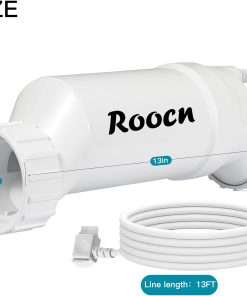
- Product Type: Replacement salt cell for compatible salt chlorine generator systems
- Model Number: T-Cell-15
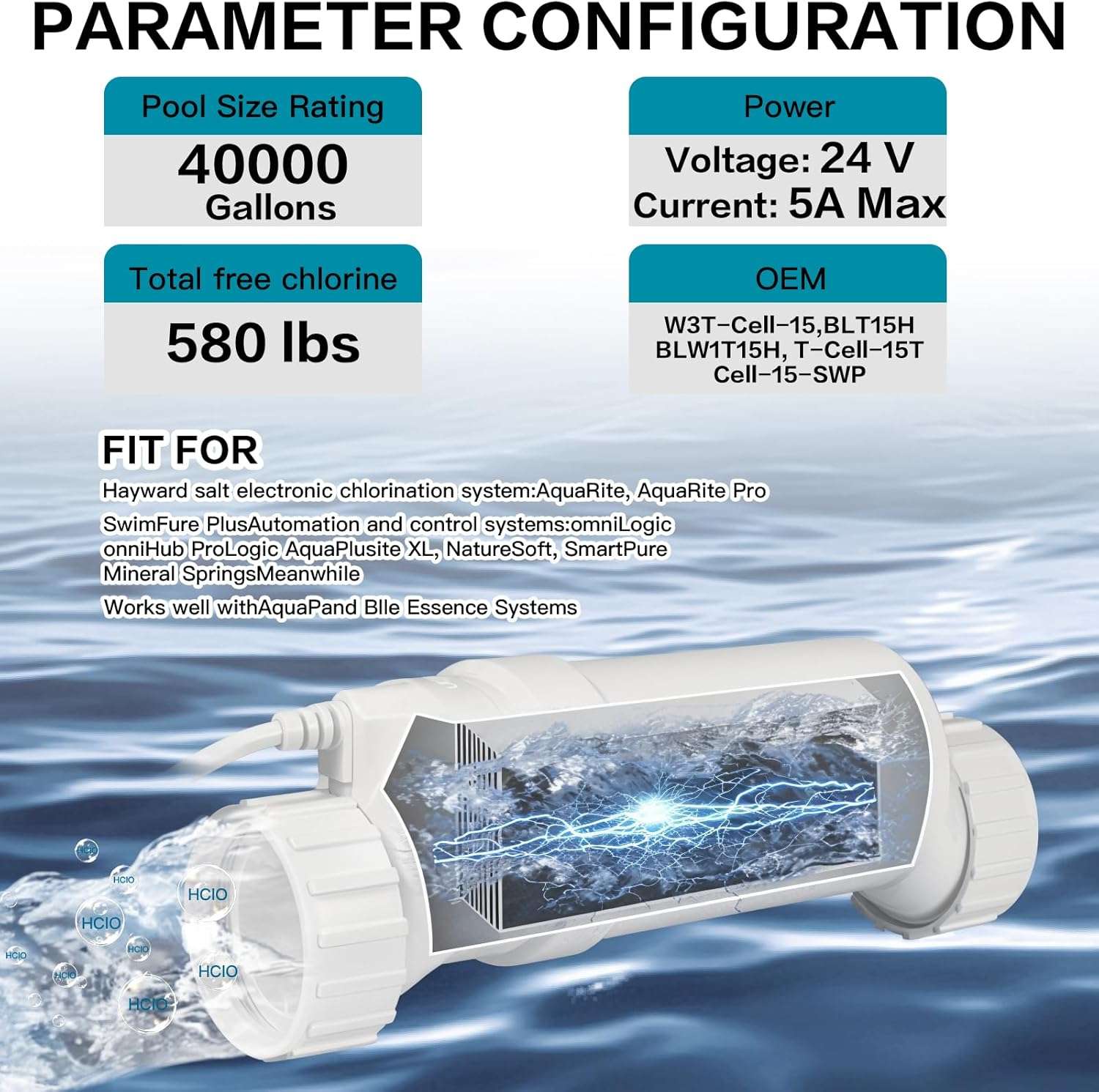
- Compatible References: T15, T-15, T-Cell-15, TCELL940, TCEII940, W3T-CELL-15, GLX-CELL-15-W
- Listed Pool Size: Up to 40,000 gallons
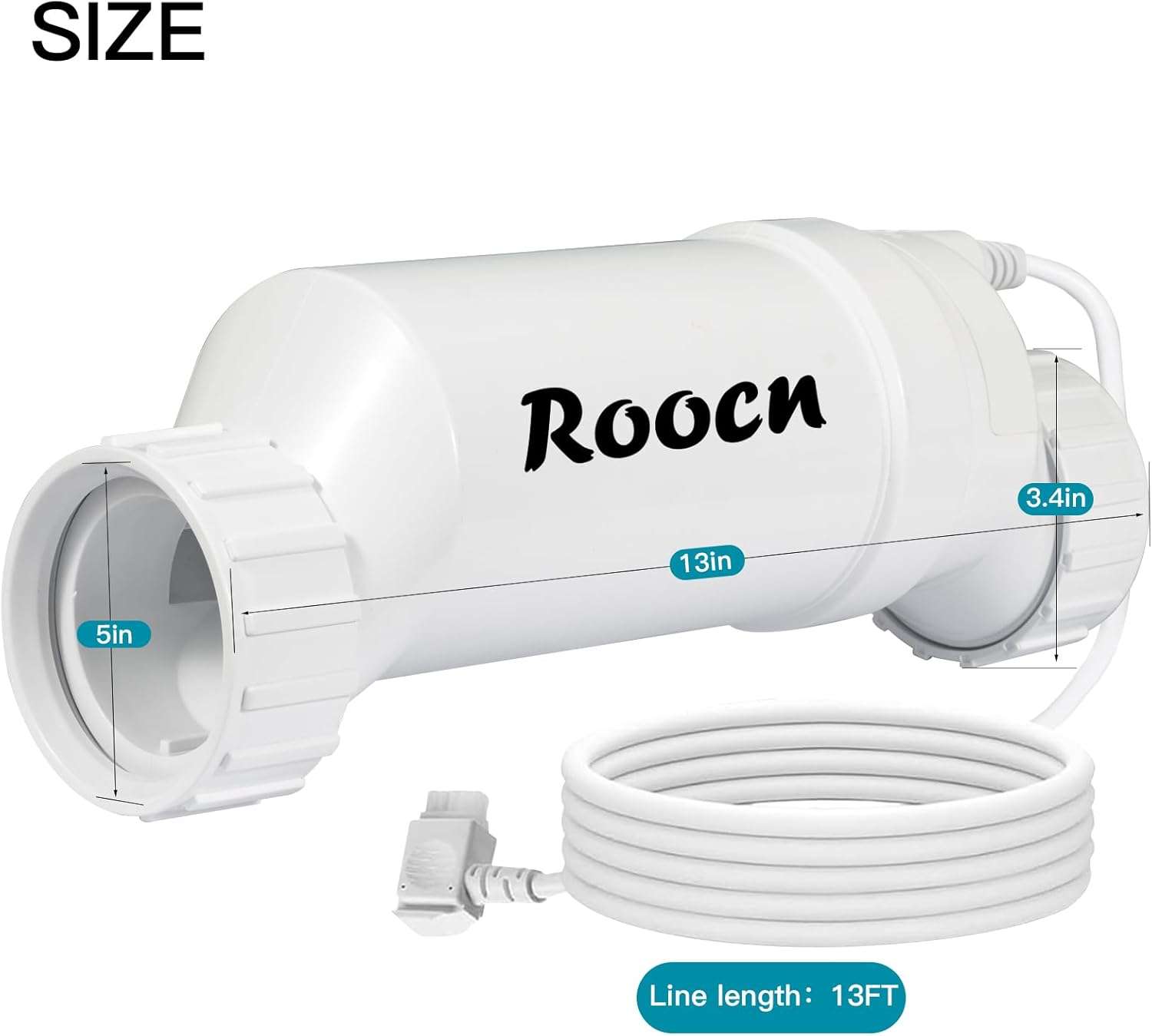
- Product Dimensions: 13.2 x 9.8 x 9.8 inches
- Item Weight: 5.37 pounds
- Best Use: Inground pool salt chlorine generator replacement
- Salt Guidance: Use pool-grade salt recommended for saltwater pools
- Avoid: Mineral salt, salts with additives, or products that may cause scaling or equipment corrosion
- Important Note: Do not exceed the recommended pool salinity range for your system
Compatibility and Fitment Notes
This T-Cell-15 replacement salt cell is intended for compatible salt systems that accept T-Cell-15 style replacement cells. It may fit select AquaRite, AquaRite Pro, SwimPure Plus, OmniLogic, OmniHub, ProLogic, AquaPlus, AquaRite XL, NatureSoft, SmartPure, Mineral Springs, and Blue Essence systems, but fitment should be verified before purchase.
If your system is AquaRite-based, confirm that the T-Cell-15 salt cell compatible with Hayward AquaRite matches your control panel setting and existing cell type. A correct fit depends on more than the pool gallon rating, so always check the model number and connection style before replacing the cell.
Pool Size and System Use
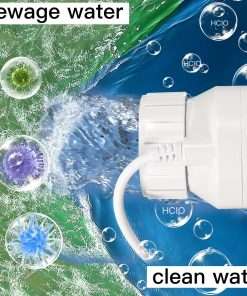
This cell is listed as a T-Cell-15 for inground pools up to 40,000 gallons, making it suitable for larger compatible residential pool systems. Actual chlorine output and performance depend on pool size, salt level, water temperature, pump run time, stabilizer level, and the condition of the control system.
This Hayward salt cell replacement style part is best used when your existing control unit is working properly but the old cell is scaled, worn, or no longer producing chlorine as expected.
Installation Guidance
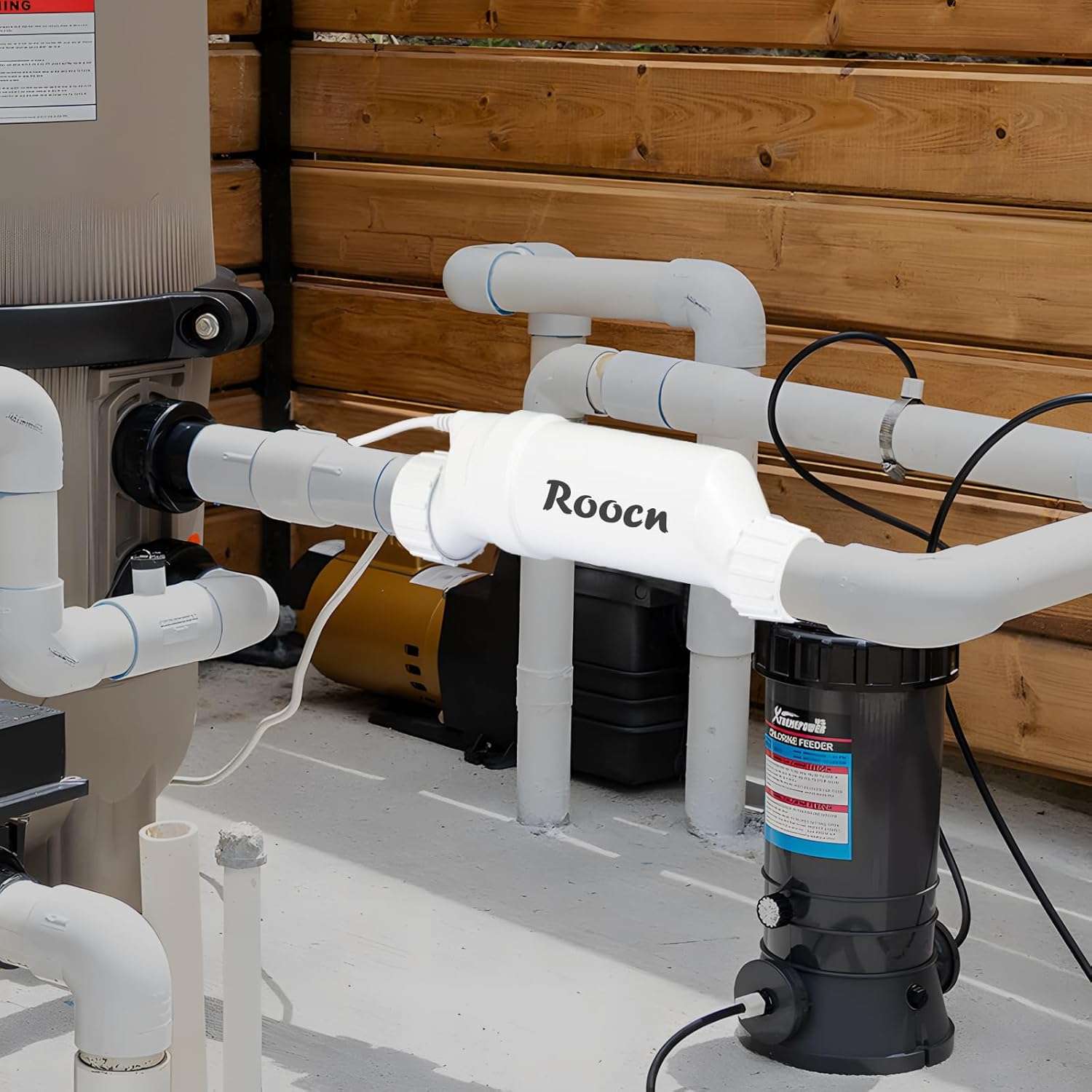
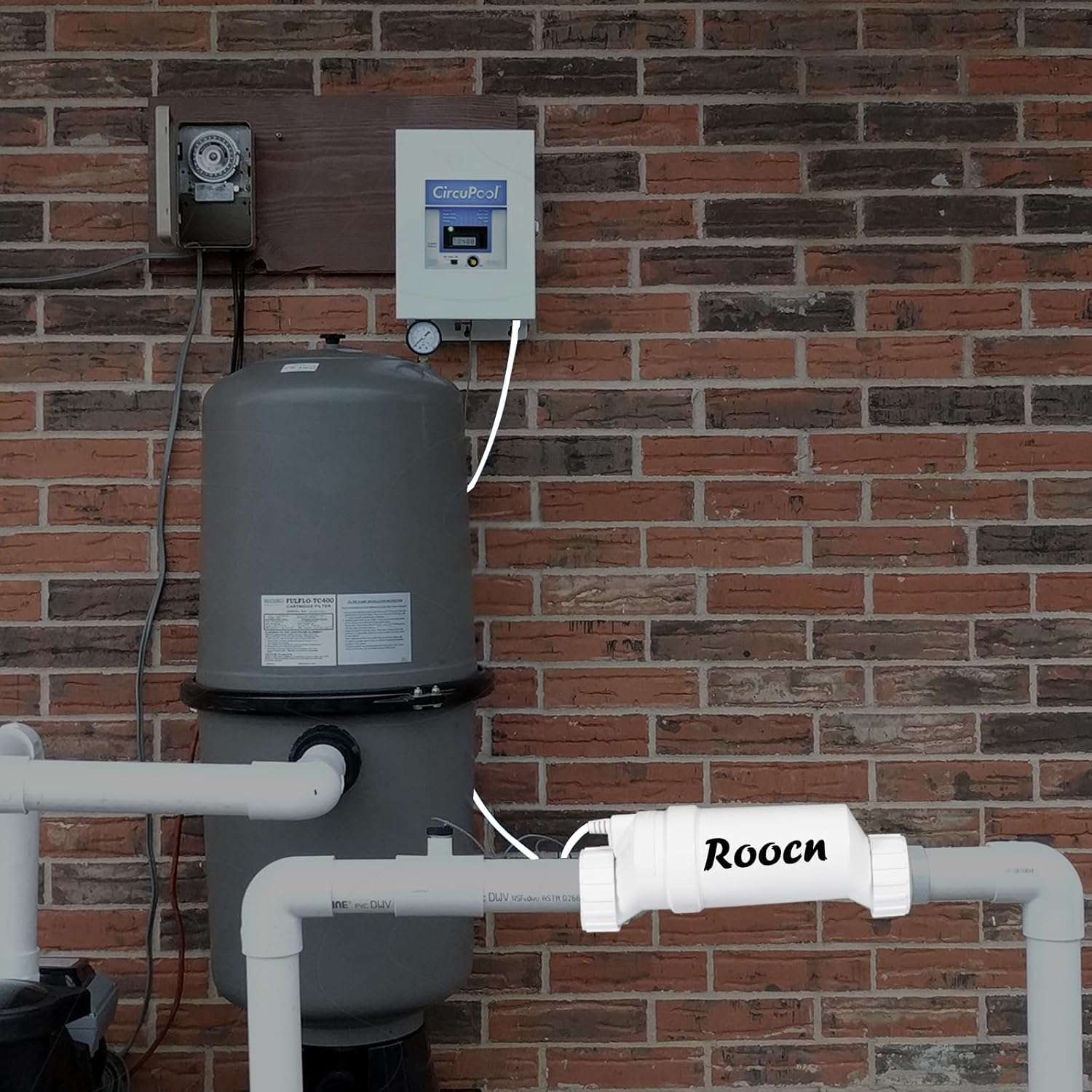
Turn off power to the pool equipment before removing the old cell. Inspect the unions, O-rings, cable, and plumbing alignment before installing the replacement cell. Tighten the unions securely, but do not over-tighten them because this can damage the fittings or seals.
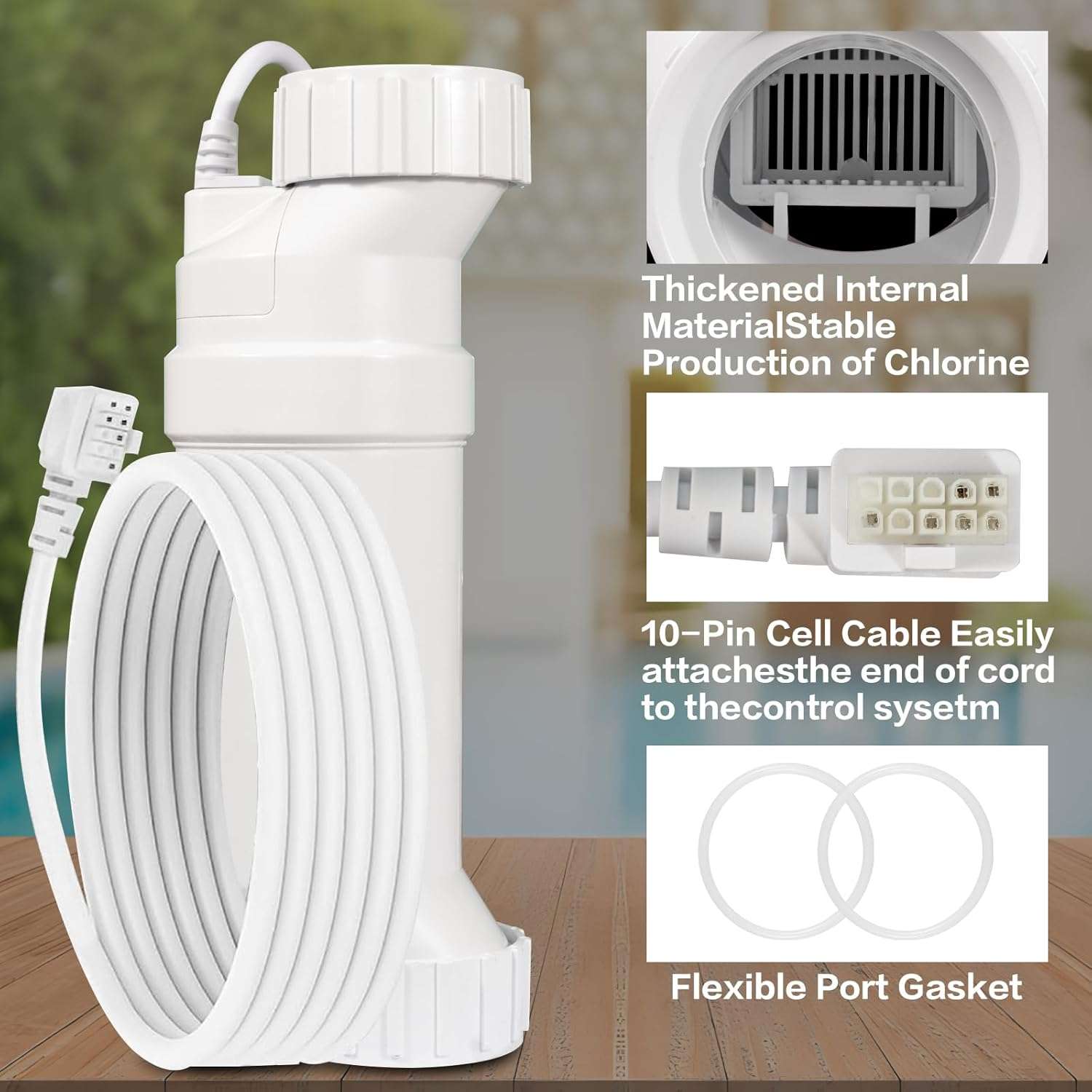
After installation, restart the system and check for leaks, flow warnings, low-salt messages, or cell recognition errors. If the control panel does not detect the cell, recheck the cable connection, salt level, cell type setting, and control box compatibility.
Salt and Water Balance Tips
For systems using TCELL940 or similar listed references, confirm the old label before choosing a replacement salt cell compatible with TCELL940. The correct salt level must be maintained so the system can produce chlorine properly without placing extra stress on the cell.
Use recommended pool salt, keep the pH balanced, and monitor calcium hardness to reduce scale buildup. If the pool has high calcium or cloudy water, clean and balance the pool before relying on a new replacement cell.
Maintenance Tips
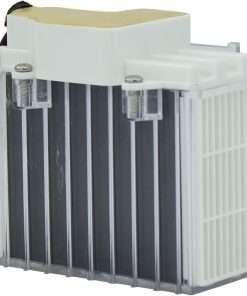
Check the cell regularly for calcium deposits, debris, or cloudy buildup inside the plates. Clean the cell only according to the approved cleaning instructions for your salt system, and avoid scraping the plates with hard tools.
Good maintenance can help the cell work more consistently and reduce unnecessary service issues. If the pool still shows low chlorine after replacement, check pump run time, stabilizer level, salt reading, water temperature, and control panel settings.
Before You Buy
Choose this cell only after confirming your old cell model, system brand, control panel setting, union style, cable connection, and pool gallon rating. For buyer reference, you can check current Amazon price and reviews before comparing it with this listing.